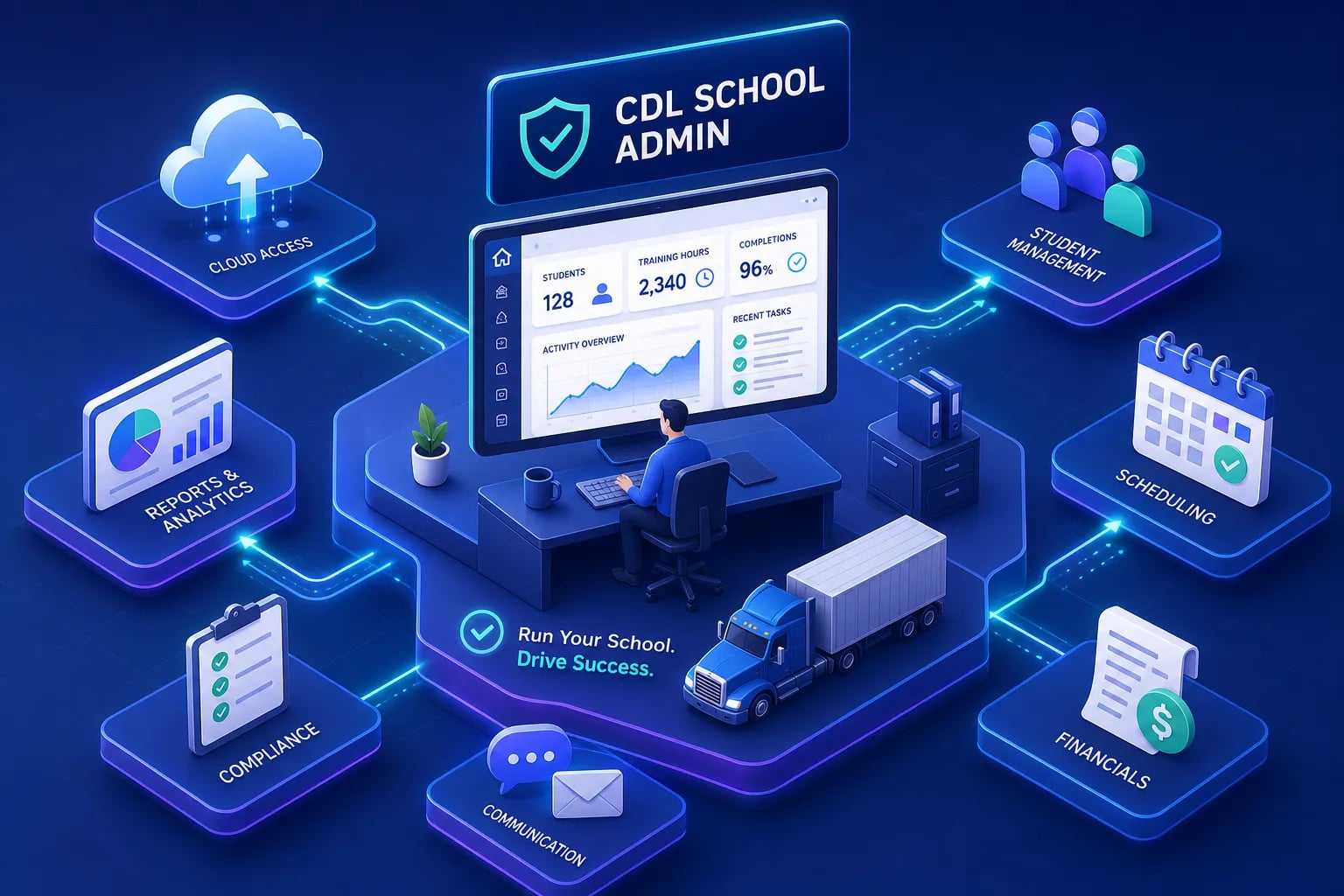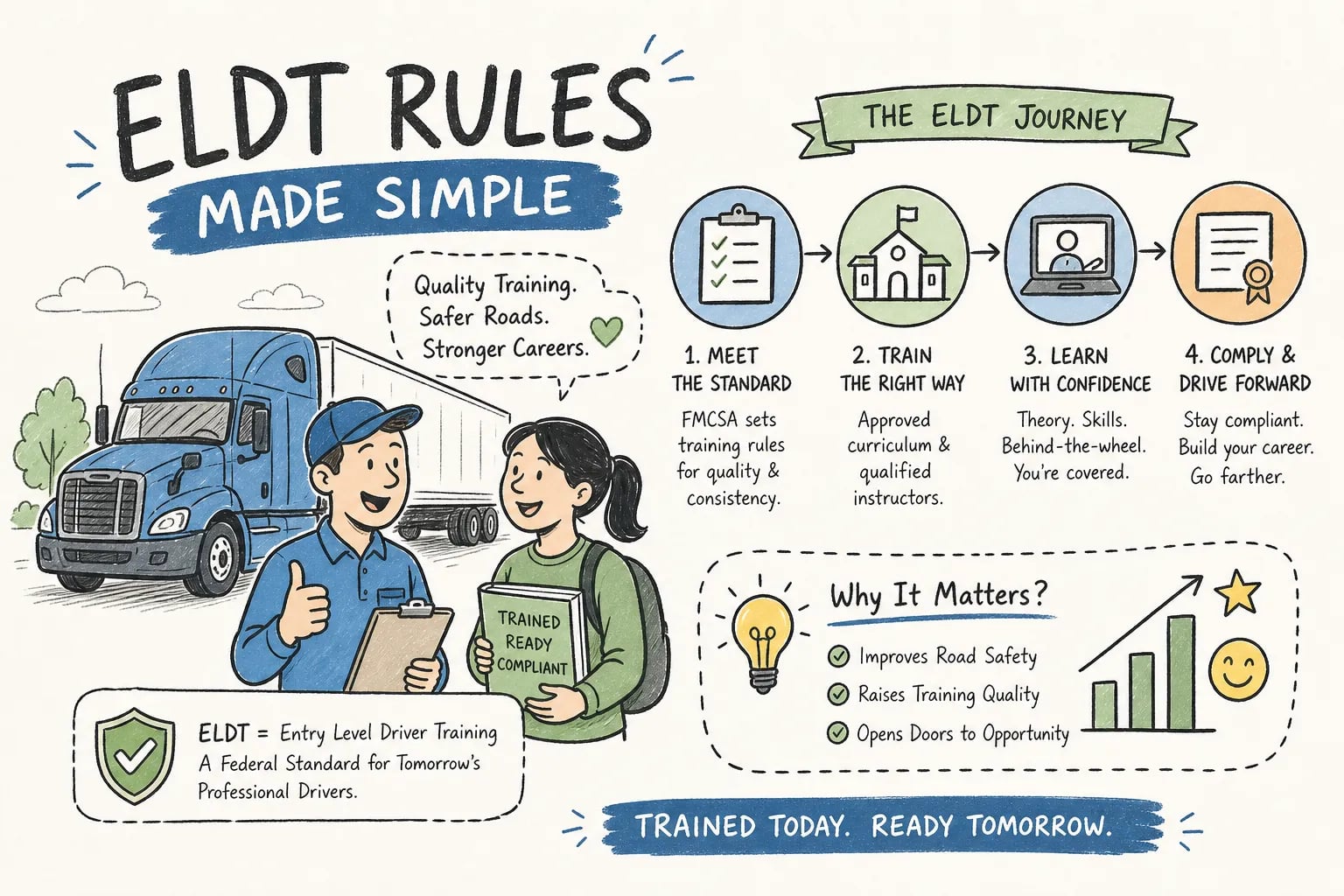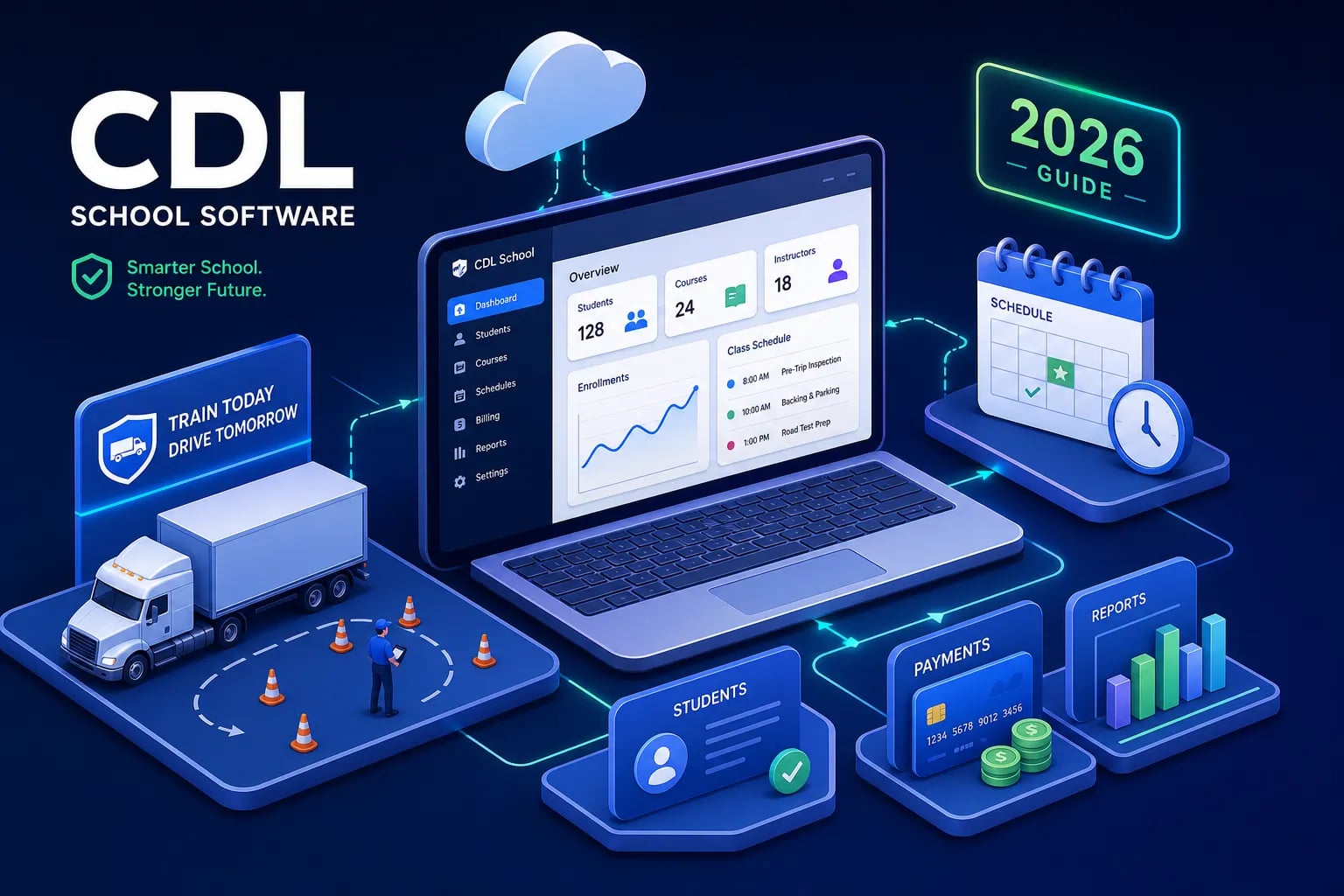
Most CDL school administrators know the feeling: student records split across three different spreadsheets, ELDT completion documents buried in email folders, and TPR submission deadlines held together by calendar reminders someone set six months ago. Adopting dedicated CDL school software consolidates those records into a single, audit-ready system, so that setup doesn't break the day before a TPR deadline or the morning an FMCSA auditor walks in.
Purpose-built driver training management software isn't a luxury for programs that have "gotten big enough." It's the operational backbone that separates programs running smoothly from programs running their instructors into the ground. The right platform handles compliance tracking, student progress monitoring, custom curriculum management, and audit-ready recordkeeping so your team can focus on actually training drivers.
This guide covers what the CDL school software category actually includes, which features are non-negotiable for FMCSA compliance and daily operations, what programs should expect to spend in 2026, and the questions you need to ask before signing anything. Throughout, we'll use CDLTest360's school dashboard as a concrete reference point for what a budget-conscious, purpose-built solution looks like when the feature set is designed specifically for CDL programs.
What CDL school software actually is (and what it replaces)
It's not a generic LMS
CDL school software is a purpose-built category, and that distinction matters. A general-purpose learning management system handles course delivery, but it has no concept of FMCSA-specific data fields, TPR submission workflows, or behind-the-wheel hour tracking. Most generic student information systems manage enrollment but don't format and transmit training completions to the FMCSA Training Provider Registry. CDL program management software sits at the intersection of those two needs, covering compliance workflows alongside curriculum and student tracking in a single system.
That specificity is what makes the category valuable. When software is built for trucking schools rather than adapted from a generic education platform, the data fields, reporting formats, and workflows reflect the actual regulatory requirements CDL programs run against every day, not a close approximation of them.
The administrative stack it replaces
Before adopting dedicated software, most small and mid-size CDL programs are running a patchwork of tools: enrollment tracked in spreadsheets, behind-the-wheel hours logged on paper forms, ELDT completion records stored in physical binders, instructor qualification files in a filing cabinet, and TPR submissions done manually with copy-pasted student data. Each of those systems works in isolation, but they don't communicate with each other, and any gap between them is a compliance risk.
The compounding problem shows up during audits. When records are reconstructed from separate systems rather than captured in structured fields at the point of entry, the preparation burden is enormous and the error rate climbs. A good driver training management platform replaces that entire stack with a single source of truth, not just to save time, but to make the program defensible when it counts.
FMCSA and ELDT compliance requirements your platform must handle
The TPR submission deadline you can't miss
FMCSA requires registered training providers to submit driver training certification data to the Training Provider Registry by midnight of the second business day after training is completed. That's a tight window, and it applies to every trainee, not just batches submitted at the end of a course cycle. The data the system must capture and transmit includes:
-
Trainee name, date of birth, and license or permit number with issuing state
-
CDL class or endorsement type
-
Training type and assessment score (where applicable)
-
Total behind-the-wheel clock hours (where applicable)
-
Completion date
A platform that doesn't support structured TPR submission, or that requires exporting to a spreadsheet and submitting manually, creates a process failure point on every single completion. Direct TPR integration is a non-negotiable feature, not an enterprise add-on. Any FMCSA-compliant ELDT software worth evaluating includes it in the base package. If a vendor lists it as optional or behind a higher pricing tier, that's a red flag worth taking seriously before you sign anything.
Record retention and audit readiness
FMCSA requires training providers to retain required records for a minimum of three years. The documents your platform must store include:
-
Trainee self-certifications for behind-the-wheel training
-
Copies of each trainee's CLP or CDL
-
Instructor qualification files and experience documentation
-
Lesson plans for both theory and BTW curricula
-
Individual assessment results
-
ELDT completion certificates
That list reflects the exact documents FMCSA auditors look for. The most common audit failures are straightforward: missing CLP/CDL copies, absent self-certifications, incomplete instructor qualification records, and mismatches between school files and what the TPR shows. The platform you choose needs to capture all of those documents in structured fields, enforce retention for the required period, and produce audit-ready exports without manual compilation. When those records live in a system rather than across filing cabinets and email threads, an audit response that used to take a week of staff time drops to a single export.
Core features every CDL school administrator actually needs
CDL student progress tracker and dashboards
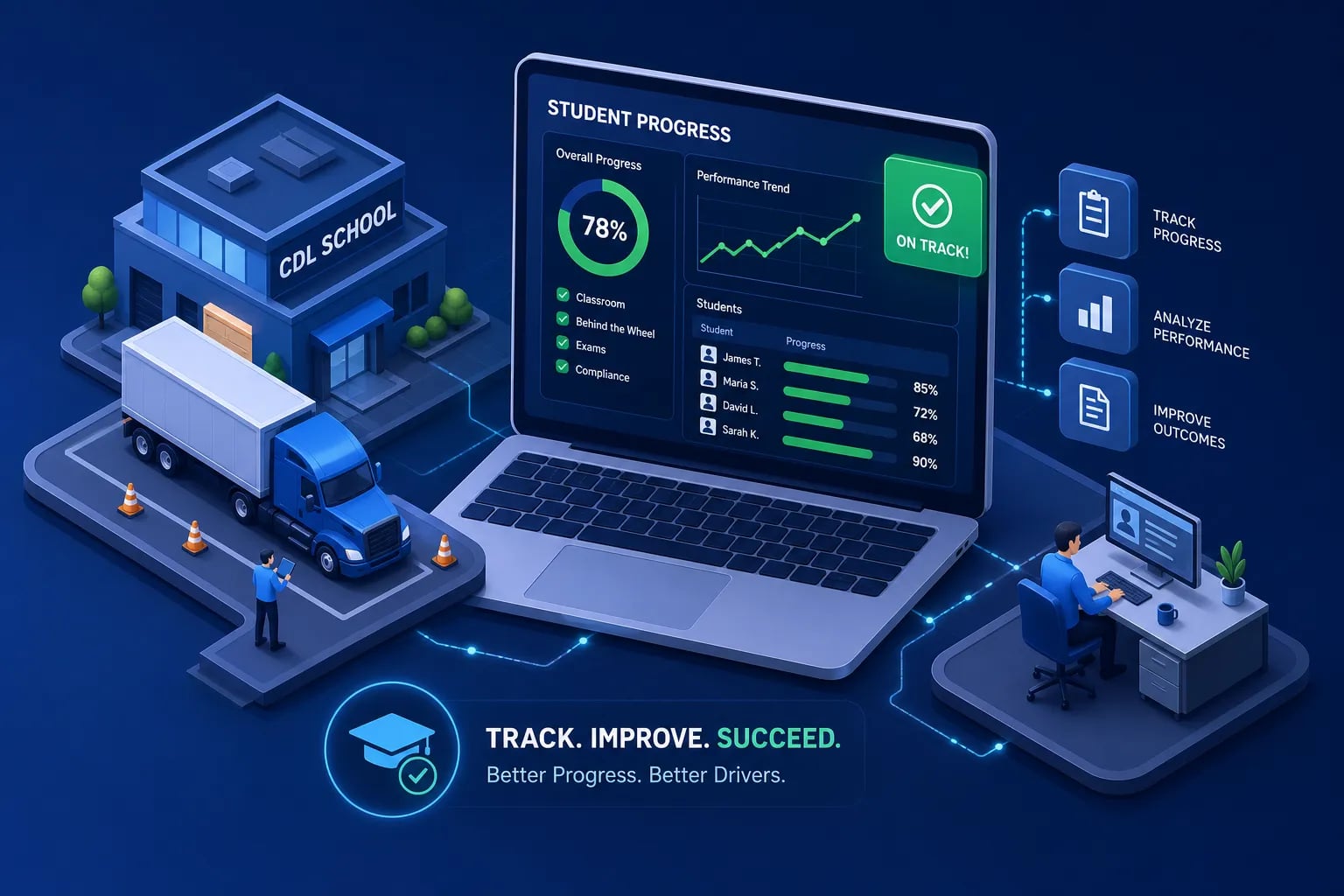
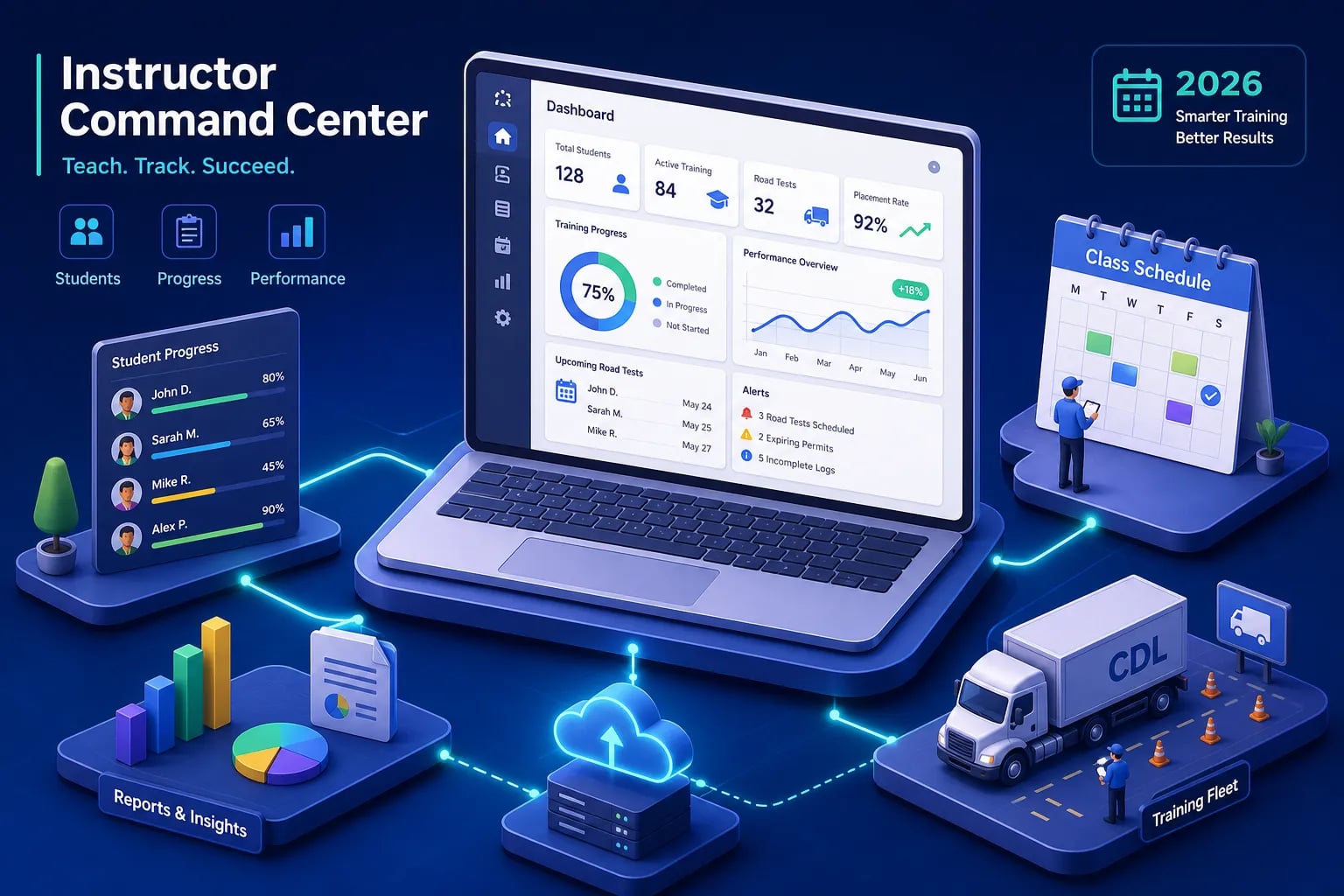
Meaningful student tracking goes well beyond showing a green checkmark when a module is complete. The dashboard should show individual progress by topic area, time spent studying, quiz scores broken down by knowledge domain, missed-question patterns, and readiness indicators tied to actual pass-rate benchmarks. The goal is a 30-second read on which students are on track and which ones need intervention, without an instructor having to pull individual reports for each person in the class.
For CDL programs running cohorts of 10, 20 students, that visibility is the difference between catching a struggling student before the state exam and finding out after they fail. Progress data tied to actual exam benchmarks gives instructors a genuine intervention trigger, not just a completion log. It's a practical safeguard against sending underprepared students to the skills test.
Custom question banks and curriculum control
Pre-loaded generic question banks fall short for programs that need content aligned to specific state CDL manuals or ELDT curriculum standards. The ability to build or import topic-specific questions, assign them to particular student cohorts, and adjust content based on class performance trends is what gives administrators real curriculum control. A system with a locked question bank treats every program the same regardless of state regulations or instructional approach, a problem when your state manual diverges from the generic content.
Custom question bank management also lets programs target the knowledge areas where their students historically struggle, reinforcing those topics before test day rather than reviewing everything equally.
Enrollment management and driving school scheduling software features
The practical enrollment workflow matters more than it sounds. Students need to be invited into the system, organized into cohorts or class groups, and assigned specific modules or practice test sets without requiring back-and-forth between instructor and student about which material to work on next. When a student logs in and already has a clear queue of assigned content, they start studying immediately instead of asking what to do first.
The best CDL program management platforms handle this through cohort-based assignment: an administrator sets up a class, assigns a module sequence, and every student in that cohort gets the same structured path. That workflow also makes progress monitoring easier because you're comparing students against the same benchmark rather than tracking individual custom paths for each person.
How the right platform cuts your administrative workload
Automating the manual tasks that eat instructor time
The time sinks in CDL program administration are predictable: manually verifying which students finished their theory modules before a behind-the-wheel session, chasing missing ELDT documentation before a TPR submission window closes, and compiling individual performance data for employer or parent-company reporting. When a platform handles those checks automatically, the instructors who were spending hours per week on data entry and follow-up emails get that time back for actual instruction.
In practice, manual data entry and compliance reporting tend to be the biggest operational bottlenecks in programs that haven't adopted dedicated software. The problem isn't that administrators are disorganized, it's that the same information gets entered, verified, and reformatted repeatedly across separate systems. A single platform that captures data at the point of entry and formats it for downstream reporting eliminates most of that redundancy.
What "audit-ready" really means in daily operations
Audit readiness isn't a once-a-year preparation sprint. It's a posture that good CDL school management software maintains continuously, capturing records in structured fields as they're created rather than requiring reconstruction later. When a trainee completes a theory module, the system logs it. When an instructor signs off on a BTW session, the platform records the hours and the instructor's credentials alongside the entry. When a TPR submission goes through, the confirmation is stored in the student's file automatically.
That posture also reduces a specific operational cost that doesn't always show up in the budget: scheduling skills tests for students who aren't actually ready. When progress dashboards give instructors genuine readiness indicators rather than just completion flags, fewer students arrive at the state exam underprepared. Fewer failed skills tests means fewer reschedule fees, fewer administrative hours spent rebooking, and a better outcome for the student.
CDLTest360's school dashboard: built for CDL programs, not enterprise budgets
What the school dashboard includes
CDLTest360's school dashboard is a practical example of what a purpose-built CDL program tool looks like at a price point small and mid-size independent schools can actually justify. The core workflow is straightforward: create a school account, invite students by cohort, build and manage custom question banks aligned to FMCSA content areas, and monitor individual student progress from a centralized dashboard. The content covers all major CDL knowledge areas, including General Knowledge, Air Brakes, Combination Vehicles, ELDT Theory, Hazardous Materials, and Pre-Trip Inspection.
Each topic module supports both practice mode and timed exam simulation. The missed-question drill loop isolates only the questions a student answered incorrectly and re-drills those specifically, a more efficient remediation method than reviewing entire modules again. The PTI phrase trainer prompts students to recall the exact wording required during the pre-trip inspection portion of the CDL test, which is one of the most common areas where test-takers lose points and a feature that is uncommon among the platforms we reviewed for this guide.
The cost comparison against enterprise-grade alternatives
Enterprise-tier CDL program platforms carry pricing that reflects their target market. CDL PowerSuite runs $399, $799 per location per month, plus $25, $125 per student depending on course type. CDLSuite starts at $149.95, $199.95 per month. Those pricing structures make sense for large multi-location operations, but for a single-location independent school managing a class of 10, 20 students, the math often doesn't work.
CDLTest360's school dashboard delivers the student tracking, custom question bank management, and progress monitoring that CDL program administrators need at a fraction of that cost. Check the current pricing directly on CDLTest360's site, as rates are updated periodically, but the per-student model is structured to match spend to active enrollment rather than locking you into a flat monthly floor. For programs running two cohorts per quarter, the annual cost gap between a per-student model and an enterprise-tier subscription can be substantial. That's a material consideration for an independent school operating on realistic margins.
What CDL school software costs in 2026
The three pricing models you'll encounter
Most platforms in this category use one of three pricing structures. Per-location monthly subscriptions layer a base location fee with per-student or per-course-type add-ons, which makes costs scale with enrollment but creates unpredictable billing as class sizes fluctuate. Flat monthly subscriptions are more predictable but set a floor that often exceeds what a single-location school can justify, particularly during slower enrollment periods. Per-student or per-pass models give smaller programs tighter cost control and match spend directly to active enrollment, which is why they tend to work better for independent schools.
The model to watch carefully is the per-location subscription with compliance features behind an enterprise upsell. Some vendors advertise a base monthly price that doesn't include TPR integration or audit-ready export until you upgrade to a higher tier. The total cost of a compliant implementation at those platforms is meaningfully higher than the headline price suggests.
Total cost of ownership beyond the subscription fee
Implementation and onboarding for small CDL school platforms typically runs one to two weeks for a standard setup, with instructor training often taking around one hour of structured onboarding. For a platform priced under $200 per month, that's a reasonable deployment timeline, and most purpose-built tools in this range are designed for administrators who don't have IT departments managing the rollout.
The hidden costs worth scrutinizing before you commit include setup fees, data migration charges, per-submission fees for TPR integrations billed separately from the monthly subscription, and support tier restrictions that route small-school accounts to email-only support queues. A platform that includes all core compliance features in the base price with no setup fee is a fundamentally different value proposition from one where the features you actually need are behind an enterprise upsell. Get that scope in writing before the demo ends.
Questions to ask every vendor before you commit
Compliance and data questions
Every vendor demo should include a structured compliance walkthrough, not just a feature overview. The specific questions to ask on the compliance side: Does the platform support direct TPR submission, or does that require a third-party integration or manual export? How does the system enforce the three-year record retention requirement, and can records be retrieved by individual trainee or date range? Can the platform export audit-ready reports in the format FMCSA expects, and has that format been updated to reflect current ELDT rules? Is the content aligned to FMCSA regulations, and what is the update process when rules change?
Those questions separate platforms built for CDL compliance from platforms that handle general education recordkeeping and use CDL terminology in their marketing. The answers should be specific and demonstrable, not described in general terms during the sales call.
Operational and support questions
The operational questions expose real-world usability that the demo environment often obscures. Ask how long onboarding takes for a school with 15, 30 active students, and whether that estimate includes data migration if you're moving from a spreadsheet-based system. Ask whether there's a free trial or demo account with full feature access, not just a guided walkthrough. Find out what support looks like when a TPR submission fails the night before a deadline: is there a phone number, a live chat, or an email queue with a 48-hour response window?
Also ask directly about contract terms and cancellation policy. A platform that requires a 12-month commitment from an independent school with variable enrollment is a different risk than a month-to-month subscription. If you're building or migrating a custom question bank, ask how that content is exported if you switch platforms later. Vendors who have built for CDL schools answer these questions without hesitation. Vendors who have adapted a generic education platform and added CDL branding often can't.
Putting your shortlist together
The evaluation framework is straightforward once you work through it sequentially. Start with FMCSA requirements: confirm the platform captures every data field the TPR submission requires and supports the midnight-of-second-business-day deadline with structured, direct submission. Then verify record retention, the system must store trainee credentials, self-certifications, instructor qualification files, lesson plans, assessment records, and ELDT completion certificates for a minimum of three years with audit-ready export. Any platform that fails either of those tests is off the list regardless of price or interface quality.
From there, evaluate student tracking and curriculum tools against your actual instructional workflow. If your program runs state-specific content that differs from the generic FMCSA baseline, custom question bank management is not optional. If your instructors are currently spending hours per week manually checking who has completed which modules, a centralized CDL student progress tracker that gives a 30-second class readiness view pays for itself quickly. Compare total cost of ownership across your finalists, including setup fees, per-student charges, and the actual cost of the compliance features you need, not just the base headline price.
For smaller CDL programs and independent driving schools that need FMCSA-aligned content and a solid driver training management system without the enterprise price tag, CDLTest360's school dashboard is worth putting on your evaluation list. The platform was built around actual FMCSA content areas from the ground up rather than adapted from a generic course delivery tool. If you're building a shortlist of CDL school software options, start there and work outward, it gives you a concrete baseline for what compliant, CDL-specific features look like before you sit through vendor demos from platforms priced for fleets of a hundred drivers.
Frequently asked questions about CDL school software
What features should CDL school software include for TPR submission?
At minimum, the platform needs direct, structured TPR submission built into the base package, not as an add-on or manual export. It should capture all required FMCSA data fields at the point of entry, support the two-business-day submission deadline, and store submission confirmations in each student's file automatically. Any platform that treats TPR integration as optional or routes it behind a higher pricing tier adds unnecessary compliance risk.
How much does CDL school software cost for a single-location school in 2026?
Pricing varies significantly by model. Enterprise-tier platforms typically run $150, $800 or more per location per month, often with additional per-student fees layered on top. Per-student and per-pass models tend to work better for independent schools because they match cost to active enrollment rather than charging a flat floor regardless of how many students are in a given cohort. Confirm what the compliance features, TPR integration, audit-ready export, and record retention, actually cost at each tier before comparing headline prices.
Is CDL school software different from a standard LMS?
Yes. A general-purpose LMS manages course delivery but has no built-in concept of FMCSA data fields, TPR submission workflows, or behind-the-wheel hour tracking. CDL school software is built specifically for those requirements, which means the data fields, reporting formats, and compliance workflows are aligned to what FMCSA auditors actually look for rather than adapted from a generic education platform.
What records does FMCSA require CDL training providers to keep?
FMCSA requires a minimum three-year retention period for trainee self-certifications, CLP/CDL copies, instructor qualification files, lesson plans, individual assessment results, and ELDT completion certificates. The platform you use should capture and store all of those documents in structured fields and produce audit-ready exports without manual compilation.
What questions should I ask a CDL school software vendor before buying?
Focus on compliance specifics first: Does TPR submission come standard or cost extra? How does the system handle the three-year retention requirement? Has the export format been updated for current ELDT rules? Then cover operations: How long does onboarding take for a school your size? What does support look like when a TPR submission fails near a deadline? And nail down contract terms: month-to-month or annual commitment, setup fees, and how your data is exported if you switch platforms.
{ "@type": "Article", "datePublished": "2026-09-20T11:01:58.992Z", "dateModified": "2026-09-20T11:01:58.992Z", "headline": "CDL school software: A 2026 guide to features & pricing", "description": "Choosing CDL school software in 2026? Compare must-have features, FMCSA/ELDT compliance requirements, real pricing ranges, and vendor questions to ask before you buy.", "publisher": { "@type": "Organization", "name": "CDLTest360" }, "image": [ ] }