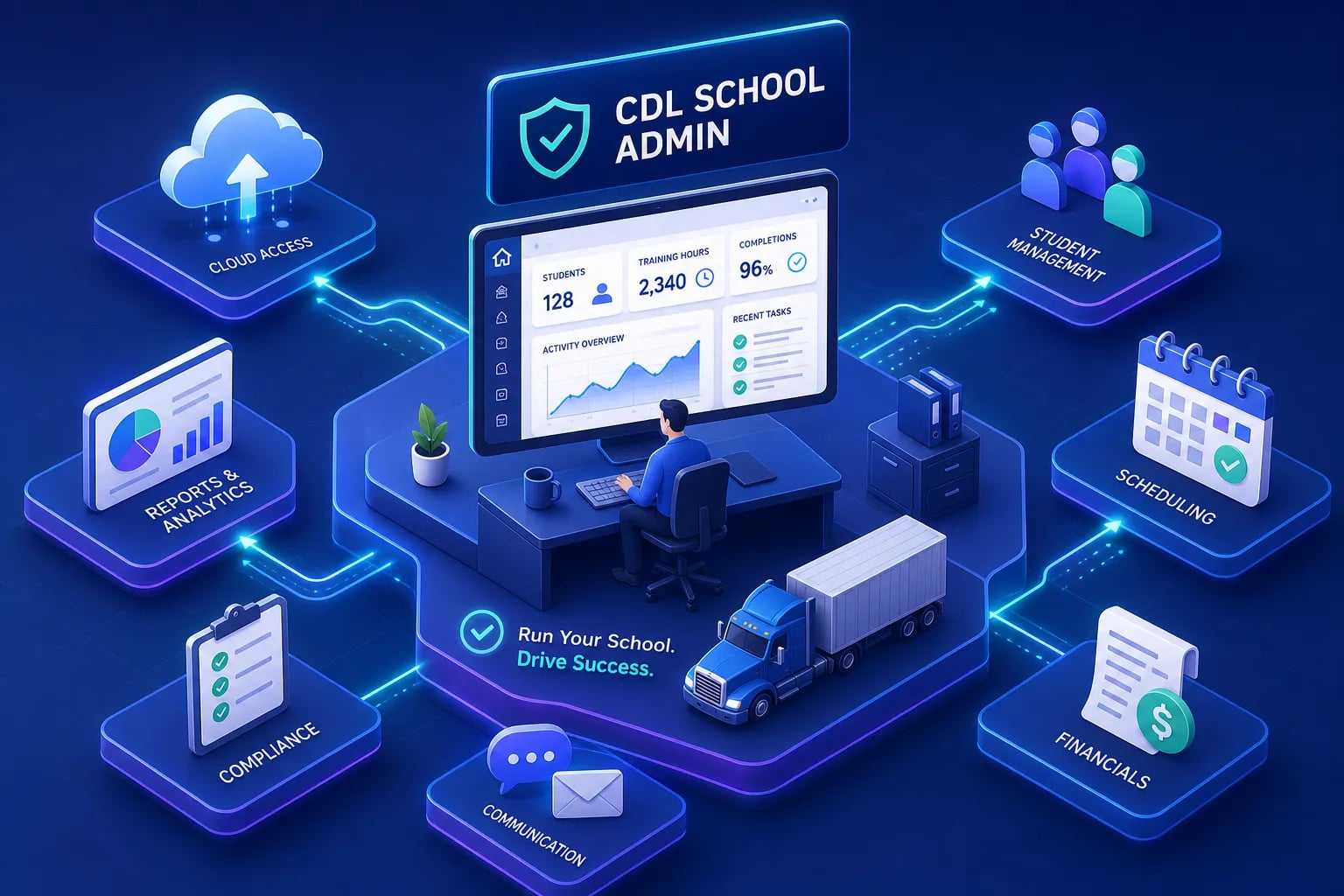
Digital tools for CDL driving school administrators can eliminate the kind of morning chaos that defines too many school operations. Picture this: your admissions coordinator is cross-referencing three spreadsheets to figure out which students still need their ELDT theory sign-off, your lead instructor is texting you because the class schedule conflicts with a vehicle inspection, and a prospective student just called to ask why their CDL paperwork is delayed. It's Tuesday morning, and you haven't had coffee yet.
This is the daily reality at a lot of CDL schools across the country, and it doesn't have to be. The gap between running a driving school on paper and running one on purpose-built software is significant, but it's also closeable without a six-figure technology budget. The right software stack reduces compliance exposure, speeds up enrollment, and gives you real-time visibility into student readiness before test day rather than after a failed attempt.
This article covers the five software categories every CDL program administrator needs: student information systems, FMCSA compliance and record-keeping tools, scheduling and instructor management, student readiness and test prep, and CRM with payment processing. Each section includes pricing context and specific features to evaluate. For test prep specifically, CDLTest360 offers a school-grade dashboard built for exactly this environment. And because knowing what to buy is only half the battle, the final section gives you a practical eight-week implementation checklist so you can deploy without disrupting active cohorts.
Why manual processes are costing CDL schools more than they realize
The FMCSA compliance gap spreadsheets can't close
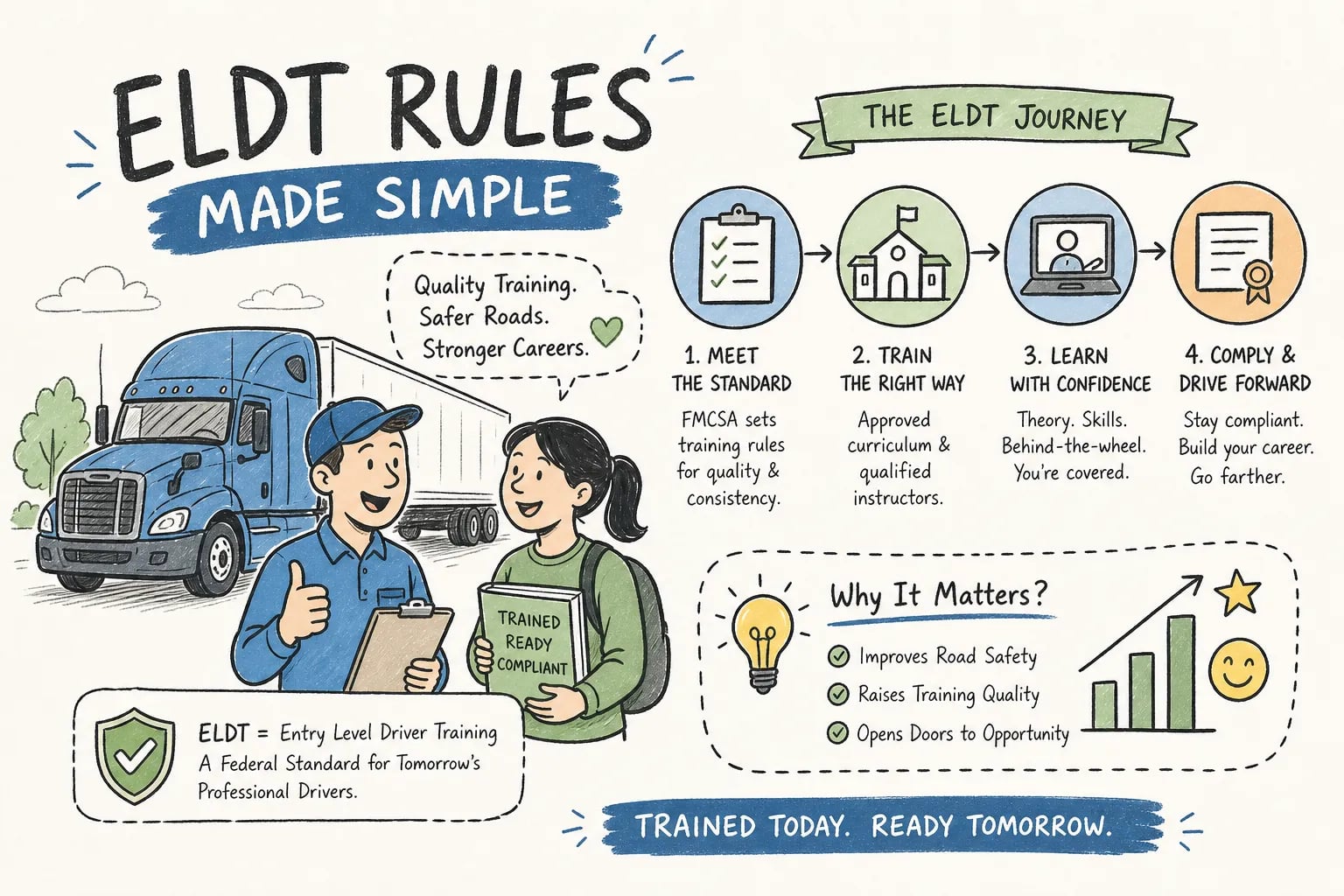
FMCSA's Entry-Level Driver Training regulations require CDL schools to track theory completion, log behind-the-wheel hours by instructor and activity type, store student identification and enrollment documentation, and submit Training Provider Registry records by midnight of the second business day after training completion. These are federal compliance obligations, not administrative preferences. A late or incomplete TPR submission can delay a student's CDL issuance, and repeated reporting errors put your school's registry status at risk.
Spreadsheets can technically store this information, but they can't enforce submission deadlines, flag expiring credentials, or generate audit-ready reports on demand. The compliance burden grows with every cohort you enroll, and the margin for error doesn't.
What the administrative burden actually looks like in numbers
When a CDL school has no integrated system, staff routinely spend hours each week on manual scheduling reconciliation, chasing document submissions, and compiling compliance reports that purpose-built software would generate automatically. Implementation timelines for digital tools for CDL driving school administrators typically run four to eight weeks, meaning a school can be fully operational on a modern software stack inside of two months. The cost of doing nothing, measured in staff hours, compliance risk, and enrollment revenue lost to a disorganized intake process, almost always outweighs the monthly subscription cost of purpose-built tools.
The five software categories every CDL program needs
Mapping the categories to your actual workflows
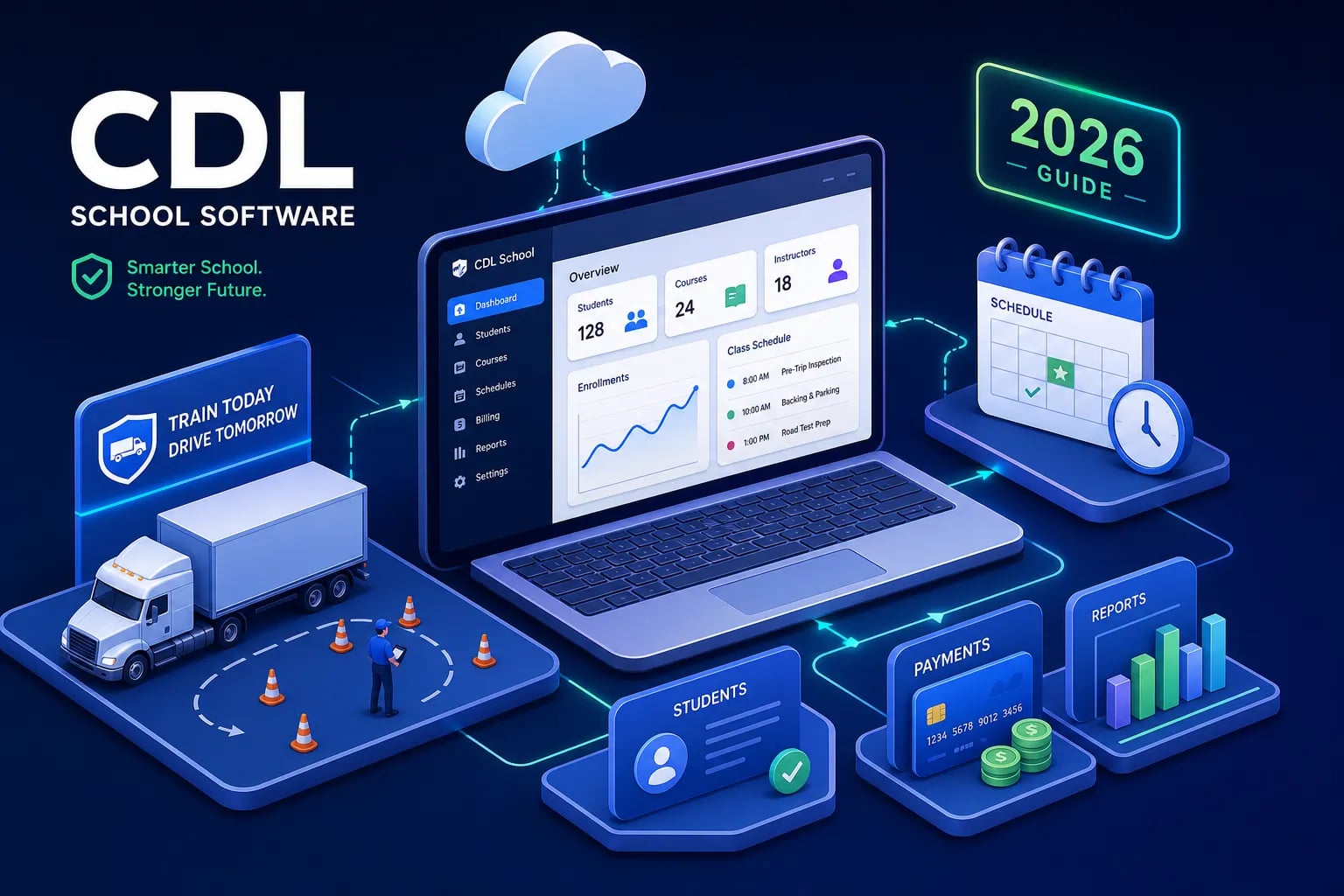
The five categories are: school management and student information systems, FMCSA compliance and record-keeping, scheduling and instructor management, student readiness and test prep, and CRM with payment processing. Most CDL schools don't need to buy five separate platforms. Some vendors overlap categories, particularly where SIS functions meet compliance tracking. But administrators need a clear mental map of what job each category does before they can evaluate whether a given platform actually covers it.
Why these tools need to connect, not just coexist
Software working in silos creates almost as many problems as spreadsheets. The real value comes when student progress data feeds the scheduling system, when compliance tracking connects to enrollment records, and when test readiness scores inform instructor intervention decisions. Integration is the multiplier: five disconnected tools produce five data sources that staff have to manually reconcile. Five connected tools produce one operational view that updates in real time. The sections below are organized to help you evaluate vendors through that lens.
Digital tools for CDL driving school administrators: SIS and school management
What a CDL-specific SIS needs to do
The core requirements for a CDL-focused student information system go beyond what a generic education platform typically offers. Administrators need student enrollment and identity records, attendance logging, training milestone tracking tied to ELDT phases, centralized document storage, and audit-ready reporting by student, cohort, or instructor. The data model matters here. A platform built for a cosmetology school won't have fields for BTW hour logging by training type, TPR-ready submission data, or instructor assignment tied to specific training sessions.
The difference between a CDL-native SIS and a retrofitted general education platform becomes obvious the first time you try to generate a compliance report. The CDL-native platform produces it in minutes; the retrofitted one requires manual extraction and reformatting every single time.
The platforms administrators actually use and what they cost
The CDL school management market in 2026 is anchored by a handful of purpose-built platforms. CDL PowerSuite is one of the more comprehensive options, running around $324/month for the base FMCSA compliance package with separate add-ons for LMS and CRM features; higher-tier plans range from $399 to $799/month for multi-location operations. TrakTak School Pro starts at $29.99/month for unlimited students and covers core school workflow management. BOLT and Truck School Software are long-standing niche products that handle scheduling, billing, attendance, and skills tracking for CDL programs. For schools that need a fully custom-built solution, development costs range from $80,000 to over $600,000 depending on scope. Administrators should evaluate these platforms against enrollment volume and ELDT reporting requirements, not just sticker price.
When a generic platform won't cut it
The most common mistake CDL school administrators make in this category is buying a low-cost general education SIS and then trying to force FMCSA-specific workflows into it. The workaround tax, measured in staff time spent adapting non-native fields, fixing data inconsistencies, and manually compiling compliance reports, typically costs more over twelve months than choosing a CDL-native platform from the start. If a vendor can't demo how their system handles TPR submission data and ELDT milestone tracking specifically, that's a clear signal to keep looking.
FMCSA compliance and training record-keeping tools
What ELDT tracking and TPR reporting require from your software
The Training Provider Registry submission process requires schools to electronically submit a certified training record that includes the trainee's name, date of birth, license or permit number, state of issuance, CDL class or endorsement, type of training completed, theory scores where applicable, BTW hours, and completion date. This has to happen by midnight of the second business day after training completion. Schools that compile these submissions manually, pulling data from separate spreadsheets or binders, are introducing error risk into a federal reporting workflow where errors delay students and can trigger regulatory scrutiny.
The compliance tracking software you choose must be able to record theory completion, log BTW training hours with instructor and activity detail, store student documentation, and push TPR-ready data through the registry portal. If a vendor describes this workflow vaguely during a demo, ask them to show you an actual TPR submission report. That one request reveals a lot.
Driver qualification files and document expiration tracking
CDL schools that operate training vehicles or manage instructors on the road also need to track driver qualification file components: CDL expiration dates, medical certificates, annual vehicle inspection records, and any DOT physical monitoring requirements. The software should send automated alerts before any credential lapses. Reactive compliance management, where staff chase paperwork after it expires, is how schools end up in audit trouble. Proactive expiration tracking is one of the clearest return-on-investment features in any CDL compliance tool.
Data security and record retention: what the regulations actually say
Student records at CDL schools that receive U.S. Department of Education funding are governed by FERPA, which requires written consent before disclosing personally identifiable information, gives students the right to inspect their own records, and mandates secure, access-controlled storage. Private CDL schools that don't receive federal education funding may not fall under FERPA directly, but state-level retention rules and licensing regulations still apply. Retention periods in the CDL training space range from three to six years depending on the state, and some schools retain records indefinitely in secured storage. Any software you deploy needs role-based access controls, encrypted record storage, and the ability to generate complete student records on demand for regulatory inspection.
Scheduling and enrollment tools for CDL driving school administrators
How scheduling connects to student progress data
The best CDL scheduling tools don't just manage calendars. They pull from student progress records to determine which training phase a student is ready for, whether that's theory review, range work, pre-trip practice, or road time, and then surface only the sessions and instructors that match. This prevents a common and costly operational error: scheduling a student for behind-the-wheel sessions before their ELDT theory requirements are cleared. When scheduling and progress tracking share the same data, that kind of mismatch becomes structurally impossible rather than just something to watch out for.
Managing instructor availability and class capacity
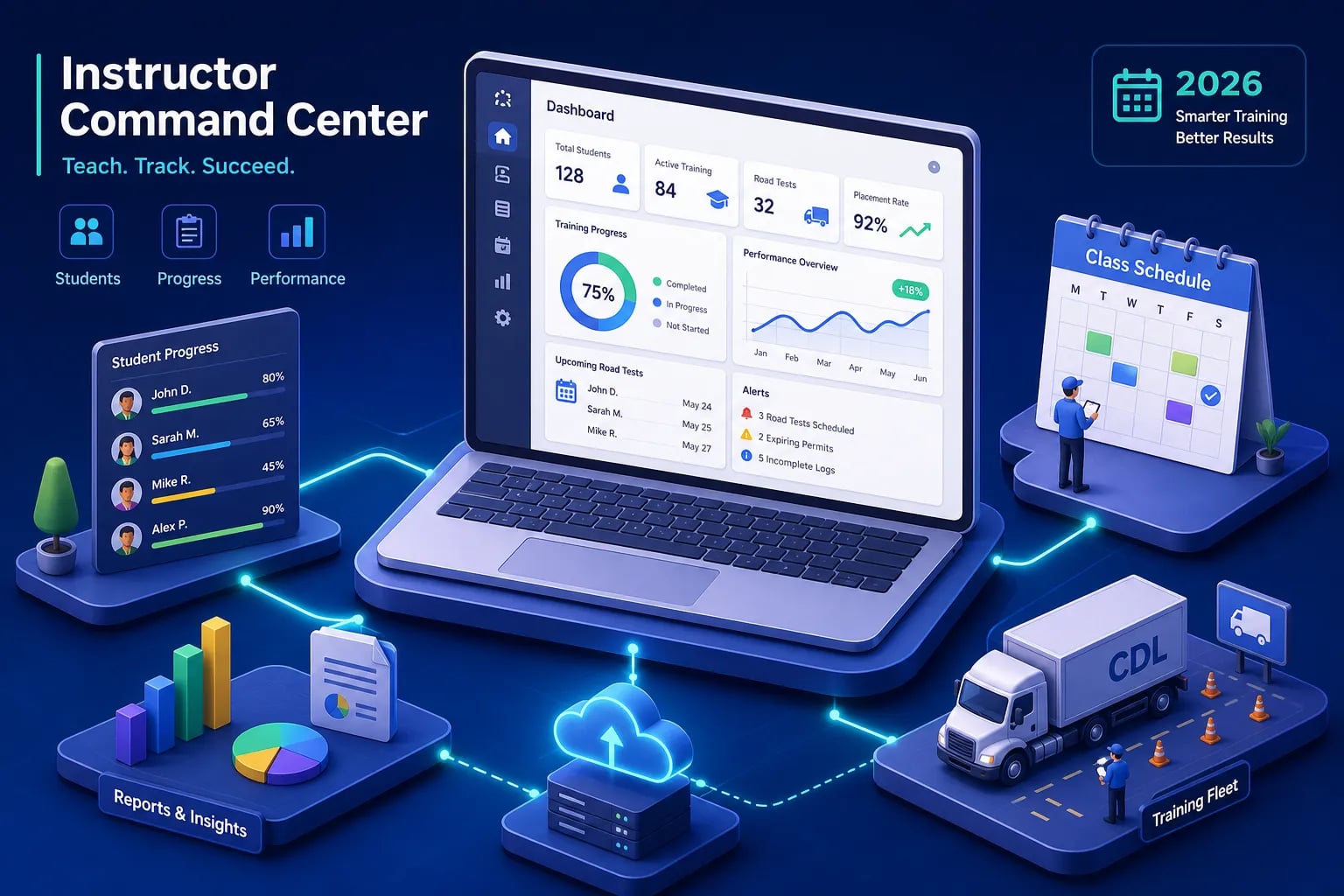
Instructor availability is a scheduling constraint, and in an integrated system it functions as one automatically. When an instructor's calendar connects to the enrollment and progress system, the school avoids double-booking and can see real-time class capacity across locations and shifts. For schools running multiple cohorts or operating across more than one training site, that visibility is the difference between a smooth operation and a daily coordination scramble that eats into productive instruction time.
What to look for in enrollment and inquiry management
The enrollment intake side of scheduling software matters more than most administrators realize. Online application forms, waitlist management, and automated enrollment confirmations capture cleaner student data from the first touchpoint. When enrollment data is collected digitally and fed directly into the SIS, the school reduces manual entry errors that can cause downstream problems in compliance records and TPR submissions. The cleanliness of your enrollment data determines the cleanliness of your compliance reporting. Start with a solid intake process and everything downstream becomes easier.
Student readiness and CDL test prep: where CDLTest360 delivers for schools
What a school-grade CDL test prep platform actually needs to do
Not all CDL practice test tools are built for institutional use. A consumer-facing app gives individual students a question bank and a score. A school-grade platform gives administrators visibility into which students are ready for the knowledge exam and which are not, before the state test date. The platform needs timed exam simulation, topic-specific quiz modules built around FMCSA content areas, a clear 80% pass threshold aligned with the actual exam standard, and a missed-question review system that re-drills only the items a student answered incorrectly. Cycling through the full question bank again after a student misses 12 air brakes questions is not remediation. Isolating those 12 questions and drilling them specifically is.
How CDLTest360's school dashboard works for administrators
CDLTest360 is built for exactly this environment. Administrators can create a school account, invite students directly, build and manage custom question banks, and monitor individual student progress in real time from a centralized dashboard. The platform covers General Knowledge, Air Brakes, Combination Vehicles, ELDT Theory, Hazmat, and Pre-Trip Inspection, all aligned with FMCSA regulations and sourced from state CDL manuals for all 50 states.
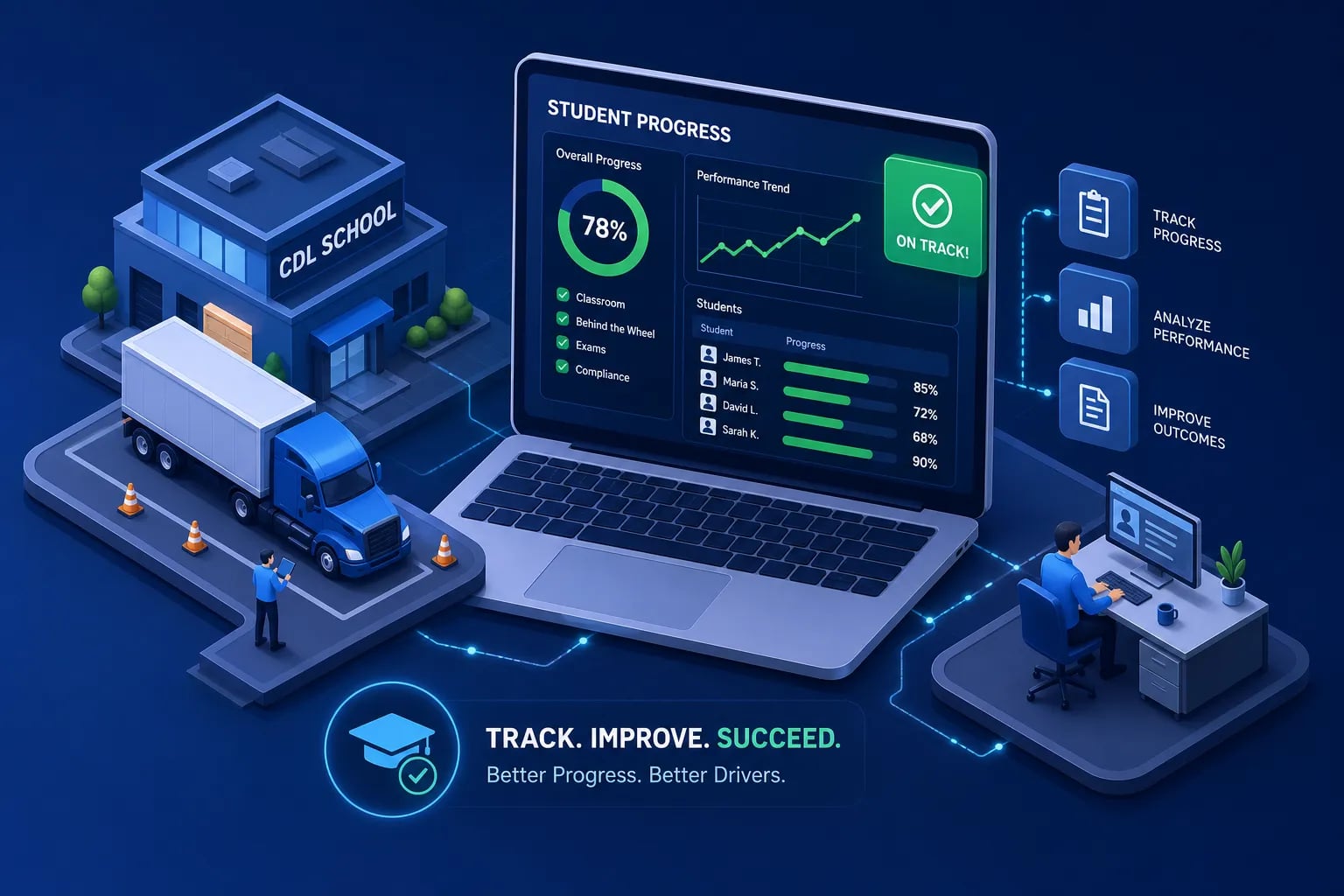
The PTI phrase trainer is a genuinely differentiated feature. It drills students on the exact wording they must recall during the physical pre-trip inspection component of the CDL test, something most CDL prep tools skip entirely. When instructors can see which students have cleared 80% across simulation modes and which are still struggling with specific topic areas, they can intervene before the state test rather than after a failed attempt and a waiting period. That instructor-level visibility is what separates a school-grade platform from a consumer quiz app.
Pricing and immediate access
CDLTest360 offers a no-registration-required free trial for individual students so they can start practicing immediately without any setup friction. School-level access for administrators is available through the school dashboard. Paid individual plans run $39.99 for a 90-day pass or $19.99/month with no long-term commitment, making it a cost-effective alternative to traditional CDL school supplemental materials. For administrators evaluating driving school admin tools, the combination of school-level progress visibility, FMCSA-aligned content across all major CDL topic areas, and the PTI phrase trainer places CDLTest360 in a different category from generic flashcard apps or basic quiz platforms.
CRM, payments, and communication tools for CDL schools
Tracking leads from inquiry to enrolled student
CDL schools lose potential students between the first inquiry and actual enrollment more often than administrators realize, and the reason is usually the same: there's no system managing the follow-up. A basic CRM lets administrators track where each prospect is in the process, set follow-up reminders, and see conversion rates by source. For schools spending money on advertising or employer referral programs, knowing which sources actually produce enrolled, paying students determines where the next marketing dollar goes. Even a lightweight CRM tool used consistently produces better enrollment outcomes than a thorough but paper-based admissions process.
Payment processing and financial reporting
Enrollment payments, installment plans, and employer-sponsored tuition require a digital processing layer that connects to the student record. Platforms like CDL PowerSuite include billing and accounting modules; smaller schools sometimes integrate Stripe or Square with their SIS. The feature to require is automatic payment reconciliation tied to enrollment status, so financial records and training records stay synchronized without manual cross-referencing. When a payment lapse affects a student's active enrollment status, the system should reflect that immediately, not after a staff member notices the discrepancy three weeks later.
Communication tools that fit the CDL school environment
Automated email and SMS reminders for class start times, document submission deadlines, and upcoming credential expirations reduce no-shows and compliance lapses without adding to staff workload. Many scheduling platforms include basic communication features built in. Schools with higher enrollment volumes may want a dedicated transactional email or SMS service layered on top of their scheduling tool for more granular control over message timing and content. The goal is proactive communication that keeps students on track without requiring a staff member to manually follow up with each individual.
A step-by-step checklist for implementing your digital stack
Weeks 1-4: setup, data cleanup, and role-based training
Start by assigning one internal owner for the implementation, someone accountable for decisions, timelines, and escalation when issues surface. Before touching any software, map your current workflows by role: what does the admissions coordinator actually handle, what does the instructor log, what does compliance need for reporting. This mapping exercise often reveals duplicate processes and data gaps that need to be addressed before migration, not after.
Data migration is the highest-risk phase of any implementation. Clean and deduplicate student records, instructor files, and vehicle data before importing anything. Run at least one trial migration, validate the output against your source records, and freeze changes to the source data shortly before the final cutover. Then train staff by role, not by feature set. An instructor needs to know how to log training hours and check their schedule. They do not need to understand the billing reconciliation module. Keep training sessions targeted and short.
Weeks 4-8: pilot period, parallel run, and go-live
Run the new system alongside your existing process for four to six weeks before cutting over entirely. Limit the pilot to one cohort or one module first, identify issues and resolve them, then expand to the full operation. Choose a go-live date during a low-activity window, between cohorts or mid-cycle rather than at the start of a busy enrollment period. The temptation to launch when things are busy because "there's no good time" almost always leads to avoidable problems. Document every issue that surfaces during the pilot: create a log, assign ownership for each item, and resolve them before full deployment. Keep extra support hours available in the first two weeks after go-live, because that's when edge cases surface that the pilot didn't catch.
What to measure in the first 30 days after launch
Define your success metrics before go-live so you know what you're measuring against. Useful early indicators include staff time spent on compliance documentation, scheduling conflicts per week, student document completion rates, and pass rates on the CDL knowledge exam. All four should move in the right direction within the first month if implementation goes well.
If you have CDLTest360 deployed as your test readiness layer, the school dashboard gives you exam simulation completion rates and per-student pass thresholds from day one. You won't have to wait for state test results to know whether your students are prepared. That readiness data feeds directly into instructor intervention decisions, which is exactly how a connected software stack is supposed to work.
Start with the category that causes the most pain
CDL school administrators don't need to digitize everything overnight. Identify which category is causing the most operational damage right now, compliance record-keeping chaos, scheduling conflicts, or zero visibility into student exam readiness, and fix that one first. Build from one solid foundation rather than deploying five half-configured tools simultaneously.
The five categories covered in this article form a complete administrative stack when they work together: SIS and school management, FMCSA compliance and record-keeping, scheduling and instructor coordination, student readiness and test prep, and CRM with payment processing. Purpose-built digital tools for CDL driving school administrators exist for every one of these categories, at price points accessible to schools of all sizes. The implementation checklist gives you an eight-week path from where you are now to a connected, compliant, and more efficient operation.
For the student readiness piece, the logical starting point is CDLTest360's school dashboard. Create your school account, invite your current cohort, and within a single session you'll have visibility into which students are on track for the knowledge exam and which ones need targeted remediation. That readiness data, available before a student ever sits for the state exam, is what purpose-built driving school admin tools make possible. Reach out to the CDLTest360 team to get your school set up and see what your student pass rate looks like when you have the data in advance.
{ "@type": "Article", "datePublished": "2026-09-30T11:02:03.090Z", "dateModified": "2026-09-30T11:02:03.090Z", "headline": "Digital Tools Every CDL School Administrator Needs", "description": "Discover the top digital tools for CDL driving school administrators — covering SIS, compliance tracking, scheduling, test prep, and a step-by-step rollout checklist.", "publisher": { "@type": "Organization", "name": "CDLTest360" }, "image": [ ] }