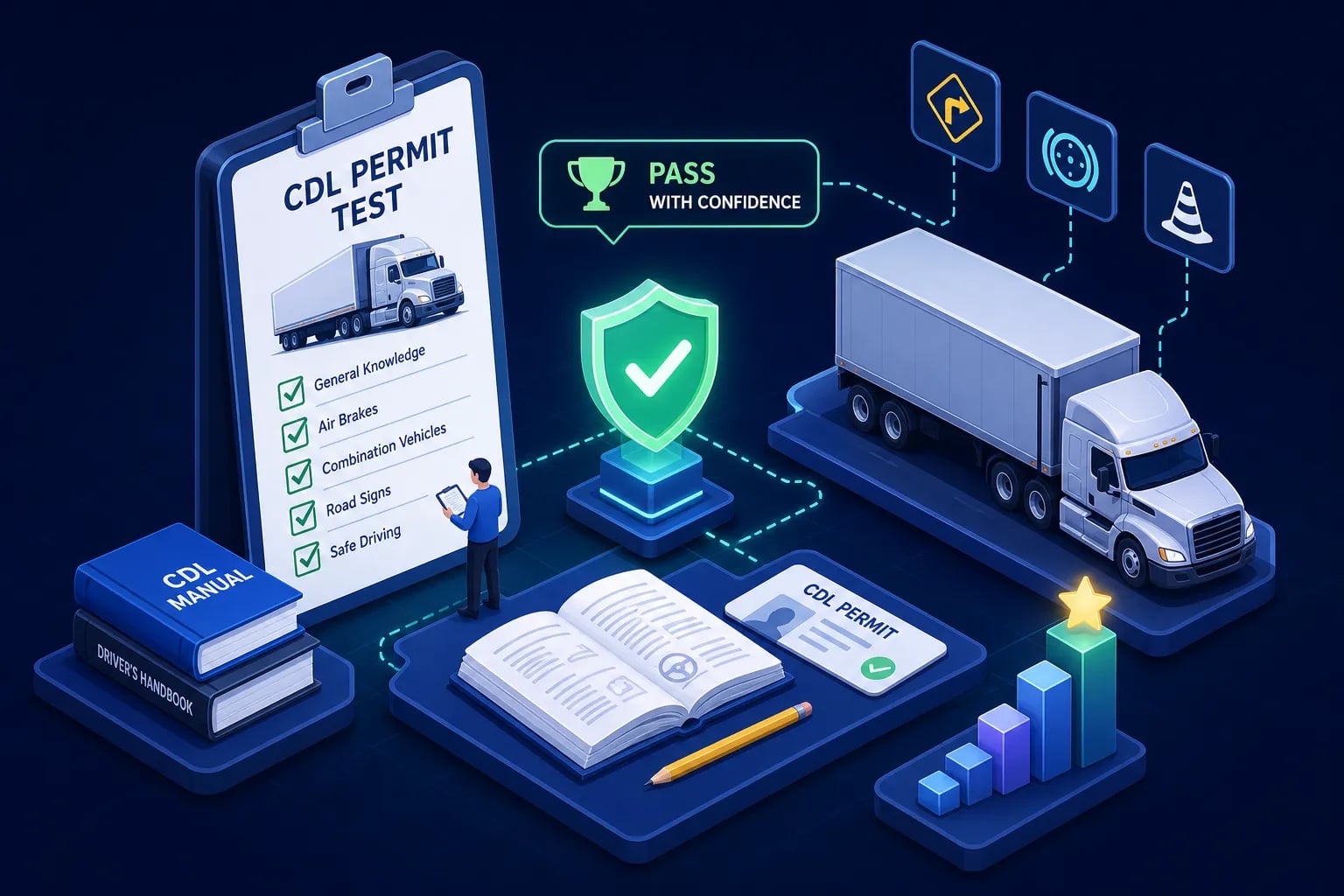
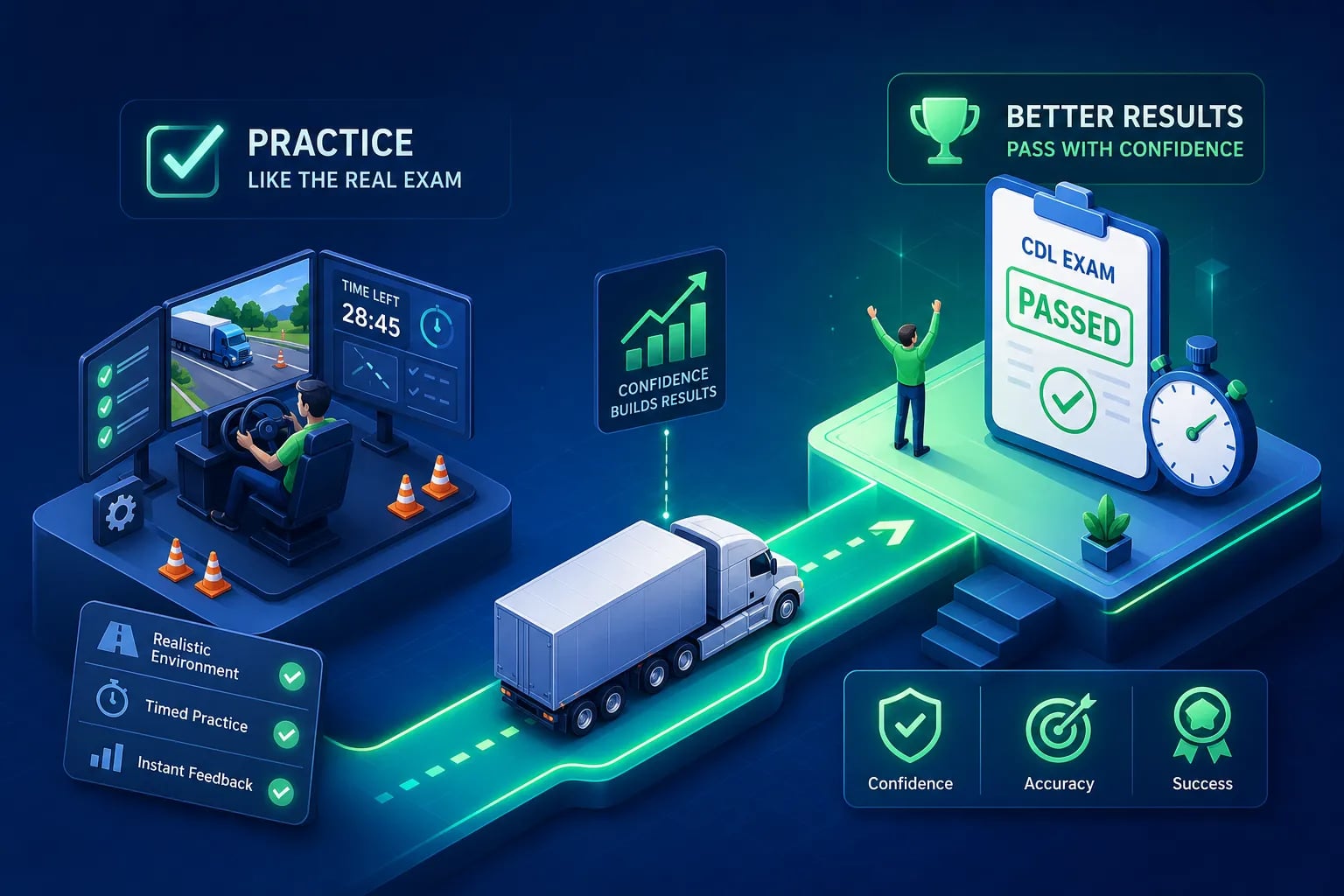
When a student walks out of the DMV having failed the CDL knowledge test and you had no idea they were struggling, that moment is entirely preventable. CDL student tracking gives instructors early visibility into student readiness, so your school catches the warning signs before the DMV does. Their quiz scores looked fine two weeks ago. They showed up to class. They submitted their paperwork. But somewhere between orientation and test day, something broke down, and your school is now absorbing the cost of a retake, a delay in their start date, and a quiet hit to your program's reputation. Structured student performance data closes that gap.
CDL student tracking isn't just a compliance checkbox that satisfies an FMCSA auditor. It's the operational backbone that separates schools with consistently high pass rates from programs that spend every month chasing remediation and retraining. The best schools aren't guessing which students are at risk, they're reading a dashboard. CDLTest360 built its school management suite to give instructors that real-time visibility into student readiness before the DMV gets to deliver the bad news.
This guide is for CDL program administrators who want to build that visibility. Whether you're evaluating your first digital tracking system or deciding whether to replace a patchwork of spreadsheets and paper sign-in sheets, here's what to look for, what to ask vendors, and how to implement a system that actually moves your pass rates.
Why student data gaps are hurting your school's pass rates
The problem with "check-in and hope" training
Many CDL programs that haven't moved to a dedicated tracking platform run on some version of the same system: paper attendance sheets, instructor observations, and a gut-feel read on which students seem engaged. The problem with that approach isn't that instructors are careless. It's that informal observation doesn't scale, and it doesn't produce detailed performance data that lets you intervene early. By the time an instructor notices that a student is struggling with air brakes, that student may have already scheduled their knowledge test.
Addressing problems only after they surface costs more time and more money than proactive intervention. Every retake creates scheduling delays that can stretch weeks depending on local DMV availability, piles additional administrative work on your staff, and becomes a data point that gets factored into how carriers and institutions evaluate your program's quality.
What administrators can't see without a CDL student tracking system
Without structured data collection, administrators face at least three critical blind spots. There's no reliable way to distinguish students who are simply logging seat time from students who are actively engaging with the material. There's no aggregated view of which knowledge areas are producing the highest error rates across an entire cohort. And there's no early warning system to flag students who are likely to fail before they ever book a test date.
That invisibility shows up directly in your retake rate. California CDL testing data has identified Air Brakes as producing some of the highest first-attempt failure rates among original applicants, in some analyses, approaching the majority of test-takers in that domain. If your instructors don't know which students are scoring poorly on air brakes practice until after the test, you've already lost the window to fix it.
How CDL student tracking improves pass rates: the three key data points
Pass rates as a school-wide performance signal
Aggregate pass rates, broken down by topic area and cohort, give administrators something more useful than a single number to report at a board meeting, they give you a curriculum signal. When a specific topic, say combination vehicles or hazmat basics, consistently produces failures across multiple cohorts, that's a sign the curriculum is failing students on that material, not the other way around. Schools that track pass rates over time can catch these patterns early and adjust instruction before the next group hits the same wall. A school that doesn't track this data at the topic level will keep pouring students into the same broken section of the curriculum and wonder why the overall pass rate won't move.
Weak topic areas: where students actually lose points
Knowing a student failed isn't the same as knowing why they failed. Missed-question data, tracked by topic, gives instructors a targeted remediation roadmap. Among the most widely documented knowledge test trouble zones are Air Brakes, Combination Vehicles, and Hazmat Basics, each requiring a different remediation approach. Air Brakes requires conceptual understanding of brake lag, stopping distance, and inspection procedures. Combination Vehicles demands spatial reasoning about coupling and uncoupling sequences. Hazmat requires memorization of placarding rules and emergency response procedures.
A tracking system that surfaces these distinctions lets instructors assign the right drill to the right student, instead of sending everyone back through the full module when most of them only have one or two weak spots.
Time-on-task and what it reveals about engagement
There's a predictable failure pattern that shows up in schools without engagement tracking: a student completes the minimum required seat time but skips practice modules, submits incomplete quizzes, and breezes through the material without repetition. On paper, they look ready. In practice, they're not. Time-on-task data, separate from simple attendance logging, exposes low engagement before it becomes a failed test. A student who logs four hours of login time but completes only two practice modules in that window is not the same as a student who completed eight timed quiz sessions in the same period.
Dashboards that track active engagement, not just presence, give instructors something actionable to work with before test day arrives.
How real-time instructor dashboards change the outcome
What a useful student performance dashboard looks like
A well-designed CDL student performance dashboard shows individual student progress at a glance, including topic-level score breakdowns, practice test completion rates, and time-on-task metrics. The critical word there is "real-time." A weekly report that arrives after a student has already fallen behind isn't a prevention tool, it's a post-mortem. The most useful dashboards are built for instructors who want to look at a screen before class, identify who needs attention, and act on it the same day.
Secondary features like missed-question clustering, readiness scoring, and assignment completion tracking add layers of precision, but the foundation is current, visible, student-level data that doesn't require running a report to see.
CDLTest360's school dashboard: built for early intervention
CDLTest360's school dashboard is designed to solve exactly the problem described above. Administrators get a real-time view of each student's practice test scores, which topic modules they've completed, and where their missed questions are clustering by subject area. That level of detail means instructors can see at a glance which students need a nudge, which ones need a module reassignment, and which ones are genuinely ready to schedule their knowledge test.
The custom question bank management feature gives instructors an additional lever. Rather than sending a struggling student back through the entire curriculum, an instructor can assign a targeted set of air brakes questions or a focused pre-trip inspection drill, reinforcing the weak area without adding unnecessary study time. The missed-question-only review loop means students spend their time on the material that's actually costing them points, not re-reading content they already know. This approach is consistent with instructional design principles showing that targeted remediation on specific error patterns outperforms broad content review for knowledge-test preparation.
For CDL schools looking for institutional-grade tracking at a price point designed for program budgets, CDLTest360's per-student and monthly options are structured to fit programs at different enrollment stages, visit the CDLTest360 website for current pricing details.
Acting before the test date, not after
Consider what an intervention workflow looks like in practice. A dashboard surfaces a student with 58% accuracy on air brakes and a knowledge test scheduled in five days. The instructor sees it that morning, redirects the student to a targeted air brakes drill module, and schedules a 20-minute review session before the weekend. That student walks into the DMV with focused preparation on their actual weak spot, not a vague sense that they "studied." That's the difference between a first-attempt pass and a costly retake that delays both the student and your school's placement timeline.
ELDT compliance records your tracking system must maintain
The 3-year retention rule and what it covers
Under FMCSA regulations, training providers must retain ELDT records for a minimum of three years from the date each record was created or received. That requirement covers a specific list of documents: driver-trainee self-certifications for behind-the-wheel training, copies of each trainee's CLP or CDL, instructor qualification documentation, lesson plans for both theory and BTW curricula, and records of individual ELDT assessments. The retention requirement isn't satisfied by keeping a general class roster. Each of those document categories needs to be stored in a format that can be pulled during an audit without a scramble through filing cabinets or separate folders.
The most common ELDT audit failures aren't schools that skipped training, they're schools that delivered the training but couldn't produce the documentation. Marking theory complete before all modules were finished, recording BTW hours without a clear instructor verification step, and keeping completion notes that aren't tied to a specific applicant record are the recurring problems that get providers removed from the Training Provider Registry.
TPR submission fields and the 2-business-day deadline
Training providers must submit completion data to the FMCSA Training Provider Registry by midnight of the second business day after a student completes training. That's a tight window, and missing it creates a compliance exposure that shows up fast when a student attempts to schedule their skills test and the registry shows no completion record. The required submission fields include the trainee's name, date of birth, license or permit number with state of issuance, CDL class or endorsement, type of training completed, theory assessment score if applicable, total BTW clock hours if applicable, and the date of successful completion.
A tracking system that auto-populates these fields from existing student records eliminates the manual entry errors that account for the majority of TPR submission problems. Consider the contrast: a system that exports a report your staff must then retype into the TPR portal introduces manual error at every step. A system that submits directly via the API scales cleanly and holds up when enrollment volume increases.
Key CDL student tracking features every solution must include
1. Individual student progress dashboards
Each student record should show topic-by-topic performance, practice test completion, and an overall readiness snapshot in a single view. Administrators and instructors shouldn't need to run a custom report to check on one student before a conversation or an intervention. A driver training tracking approach that buries this data behind multiple report-generation steps defeats the purpose of real-time visibility.
2. Topic-level performance breakdowns and missed-question data
Generic pass/fail scores don't tell instructors anything actionable. The system needs to surface which knowledge areas are dragging a student's scores down, ideally at the individual question level, so remediation can be targeted rather than broad. Air brakes and combination vehicles need different remediation approaches, and your CDL student management software should make that distinction visible rather than averaging it away.
3. Instructor assignment controls and custom question bank management
Instructors should be able to assign specific modules, customize question sets to match their curriculum sequence, and monitor completion of assigned work. This closes the loop between what instructors prescribe and what students actually do before their test date.
4. Attendance and time-on-task logging
These are two separate metrics, and the system should capture both. A student who attended every session but never completed a timed practice exam is not prepared the same way as a student with identical attendance who drilled missed questions every night. Conflating attendance with engagement is one of the most common reasons school dashboards fail to predict outcomes accurately.
5. ELDT-ready record keeping and TPR-compatible reporting
The system should store all FMCSA-required ELDT fields automatically and generate export-ready records for TPR submission without manual reformatting. If a vendor's answer to this question is "we export a CSV and you upload it," ask how many fields require manual verification before that upload and how submission errors are handled when FMCSA rejects a record.
6. Mobile-accessible interface for instructors
Instructors updating student records between range sessions, on a training yard, or between road segments need mobile access through a reliable driver training tracking app or mobile-optimized interface. A desktop-only system creates logging delays, and logging delays compound into data quality problems that surface at the worst possible time, usually during an audit or a student dispute.
7. Scalable school management for multi-cohort programs
For growing programs, the system must handle multiple cohorts, multiple instructors, and potentially multiple locations under one administrative view without losing per-student detail. The value of a school dashboard collapses if an administrator has to switch between separate interfaces to see enrollment across locations.
TPR integration: how data moves from your system to FMCSA
Manual entry vs. automated system-to-TPR submission
FMCSA supports two submission paths: manual portal entry directly in the TPR interface, and system-to-system submission via a REST-based web service using JSON Web Tokens for authentication. Manual entry works for very low-volume programs where one staff member manages the process consistently. It doesn't scale, and every manual touchpoint is a potential entry error. Automated API integration, which most modern CDL training management systems offer as a core feature, submits completion records directly from the platform without requiring staff to log into a separate portal, re-enter data they've already captured, or monitor submission windows manually.
The practical benefit of direct API integration isn't just efficiency. It's an audit trail. Every submission logged through the system carries a timestamp and a confirmation record, which matters when an auditor asks how you can prove a record was submitted on time.
What to ask vendors about their TPR integration
During any software demo, get clear answers to these questions before moving forward. Does the system submit directly to the TPR API, or does it export a file for staff to upload manually? How does the system handle submission errors or rejections from FMCSA, and what does the notification process look like? Does the platform log a timestamp and a confirmation record for each submission that can be produced during an audit? If a vendor can't answer all three questions with a live demonstration, treat that as a significant gap in the product.
What CDL student tracking software actually costs
Per-student vs. per-school pricing: matching the model to your enrollment
The market offers several pricing structures, and the right one depends on your enrollment volume and how consistently it holds across the year. Per-student pricing, which ranges from roughly $6 to $65 per student depending on the platform and feature set, works well for smaller schools with variable enrollment because costs scale with actual usage. Per-school monthly subscriptions, which run from roughly $200 to $800 per month for full compliance suites, offer more predictable budgeting for programs with consistent cohort sizes and multiple staff users. Tiered plans that separate compliance tracking, LMS functionality, and TPR reporting into separate modules are common, and they can add up quickly if administrators don't audit what they're actually using. (Note: these are market-range estimates drawn from publicly available vendor pricing; always request an itemized quote for your specific program size.)
A mid-tier school management and compliance suite in the $200 to $800 per month range typically includes instructor management, student progress tracking, attendance logging, and some form of reporting. TPR integration is often sold as a module add-on at the higher tiers, so verify whether that's included before comparing base prices.
Hidden costs and what to budget beyond the subscription
Setup and onboarding fees are common and range from $250 to $1,200 depending on the vendor and the scope of data migration involved. Per-user staff seat fees, TPR integration sold as an add-on, and annual compliance updates to keep the content aligned with regulatory changes are additional cost drivers that don't always appear in the headline subscription rate. Administrators evaluating total cost of ownership for a small school should budget roughly $1,800 to $9,600 per year for a SaaS subscription before factoring in add-ons. The right question to ask every vendor is: give me an all-in quote for a program with our enrollment size, our number of staff users, and TPR submission included, not just the base rate.
A practical implementation plan for your school
Start with data migration before you go live
Before switching platforms, take inventory of every existing student record, paper and digital, and categorize each by status: active, graduated, or inactive. Migrate active students first so the school can keep operating during the transition without gaps in training records. Standardize your data model before import. Every student record going into the new system should include contact information, permit and license details, lesson history, and document status in one place. Running a completeness check before import prevents the gaps that surface during an audit later, when it's too late to reconstruct missing information cleanly.
Use the migration process as a document collection opportunity. Send digital forms to active students requesting any missing uploads, verify contact details, and collect digital signatures on outstanding acknowledgments before closing each batch. Starting with clean records means your dashboard data will be reliable from day one.
Train instructors and admins on separate workflows
Instructor training should focus on one discipline: log every session immediately, with specific skills practiced, digital signatures captured, and student notes updated before leaving the training environment. Delayed logging, even by a few hours, degrades data accuracy and breaks the audit trail. Admin training covers a different set of responsibilities: report generation, compliance checks, backup procedures, and TPR submission verification. These two workflows require different orientations, and combining them in a single training session usually means instructors leave unsure of what they're responsible for logging.
Include mobile access in both training tracks, because real-time updates from the field are where most logging delays actually originate. A brief student onboarding session on portal access and document uploads reduces support requests in the first 30 days and keeps student records complete from day one. Students who understand how to upload documents and view their own progress submit fewer help requests and maintain more complete files, which benefits your school during compliance reviews.
The bottom line on CDL student tracking for your program
CDL student progress monitoring done right isn't primarily a compliance exercise. It's the mechanism that gives instructors the data they need to catch struggling students before the DMV does. The most useful systems surface pass rates, weak topic areas, and time-on-task in real time, not in a weekly summary that arrives after the intervention window has closed. Schools that build this visibility into their daily workflow stop chasing retakes and start building a program reputation that markets itself.
CDLTest360's school dashboard gives administrators a practical starting point for seeing this kind of student data without going through a lengthy procurement process or committing to an enterprise contract. Instructors get a real-time view of every student's practice test performance, topic-level accuracy, and missed-question patterns. Students get the missed-question drill loop and PTI phrase trainer that target the exact material most likely to cost them points on test day. Schools get a management layer that scales from a single cohort to a multi-instructor program.
Before you commit to any platform, request a live demo with a real student record walked through in real time, or start a trial period that lets you validate the reporting before you migrate your full roster. The right system makes the answer to "how is this student doing?" a 10-second question, not a 20-minute report-building exercise. In short, implementing robust CDL student tracking turns reactive remediation into proactive instruction, and that shift is where pass rates actually move.
{ "@type": "Article", "datePublished": "2026-09-25T11:02:05.009Z", "dateModified": "2026-09-25T11:02:05.009Z", "headline": "CDL Student Tracking Tools That Actually Improve Pass Rates", "description": "CDL student tracking software that shows pass rates, weak topic data, and time-on-task in real time lets instructors act before students fail. Here's what to look for.", "publisher": { "@type": "Organization", "name": "CDLTest360" }, "image": [ ] }